Gradelink Info for Parents and Students
Student/Parent Portal Tutorial
Watch this short video to learn how to use Gradelink’s free parent and student portals to see your grades on student portal, attendance, schedules, assignments, the calendar, set alerts, and more.
Click here for the Spanish language version.
Looking for Gradelink login info? You must:
- Contact your school. Only your school can provide you with student login and parent login credentials for Gradelink accounts.
- Click the LOGIN button on the upper right corner of the screen.
- Enter your school ID, username, and password, and click LOGIN.

Download the Free Gradelink Student/Parent Mobile App
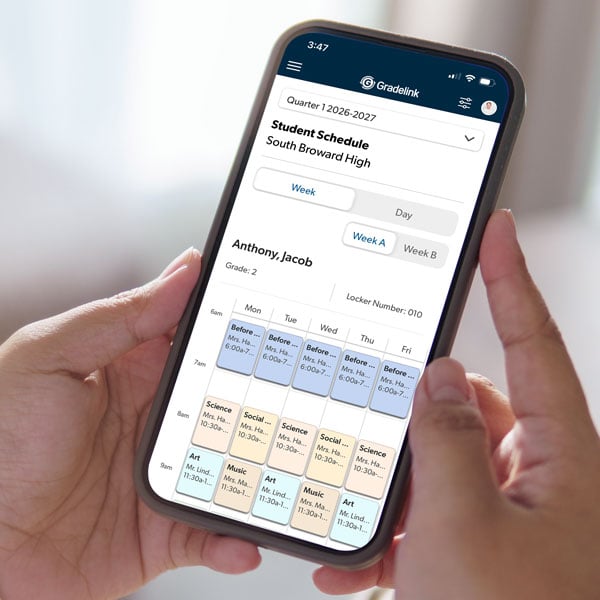
The free Student/Parent Mobile App makes it easy to report absences, view class and assignment grades, attendance, homework, calendars, and more. Download it for free on the App Store and Google Play. Note: To access the app, your school must use Gradelink.
 |
 |
Enrolling and Re-Enrolling
New students enroll through their school’s website or contact their school for more information.
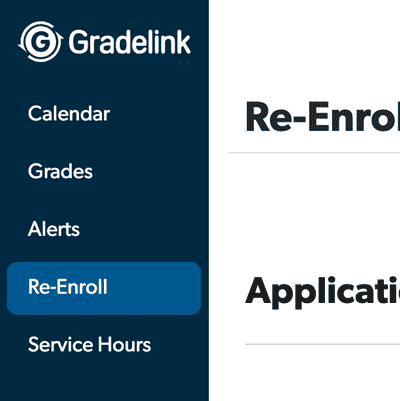
Parents re-enroll returning students by logging into their Gradelink Parent Portal (not the app) and clicking the Re-Enroll tab.
If you don’t see it, either the school has not enabled online enrollment yet, or you are logged into a student account instead of a family/parent account. Only family accounts have access to re-enrollment. Contact your school office if you need the login for your family account.
Paying Tuition
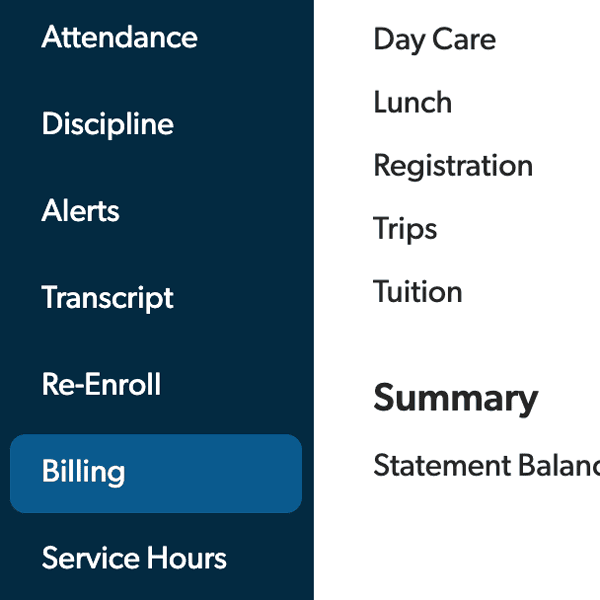
On desktop: Log into your account and click the Billing tab.
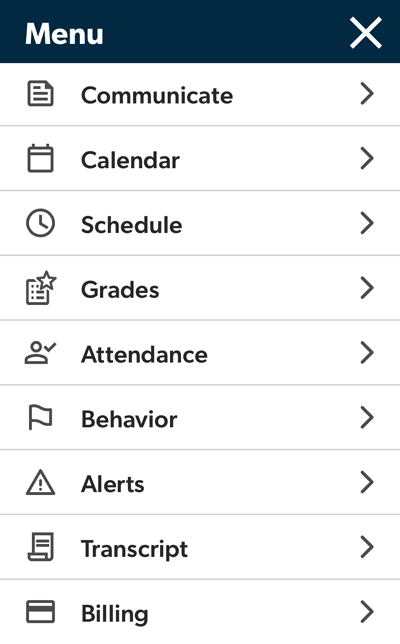
On the mobile app: Tap the menu icon in the upper left, then tap Billing > Go to Payment.
If the tab is not enabled, it means the school has not enabled it yet, or you are logged in to a student account instead of a family/parent account. Only family accounts have access to billing information. Contact your school office if you need the login for your family account.
Desktop
Mobile app
Language Selection
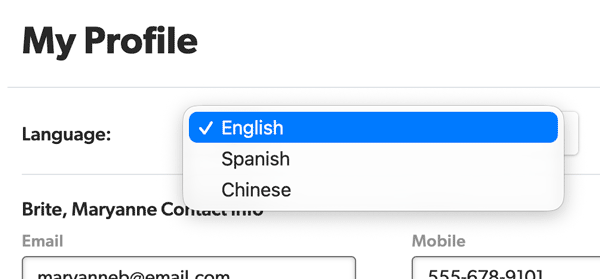
Gradelink student/parent portals have three language options: English, Spanish, and Chinese. To change the language, log in to your portal, click on your avatar in the upper right corner, click My Profile, then click on the drop-down menu to the right of Language.
The Student/Parent App uses the language selected in the phone’s system settings.